Guide · 7 of 11
Getting paid
Build an invoice from a wrapped job, finalize it, approve its email, and record the money when it comes.
The invoice from a job
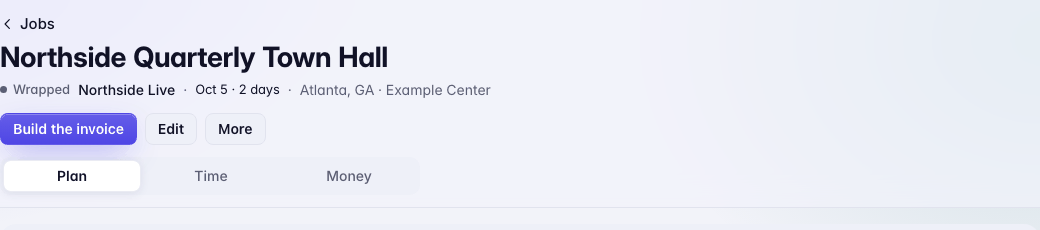
A wrapped job shows Build the invoice. It opens Money › Invoices at Unbilled, with the client's jobs ready to tick, a PO box, and Build invoice.
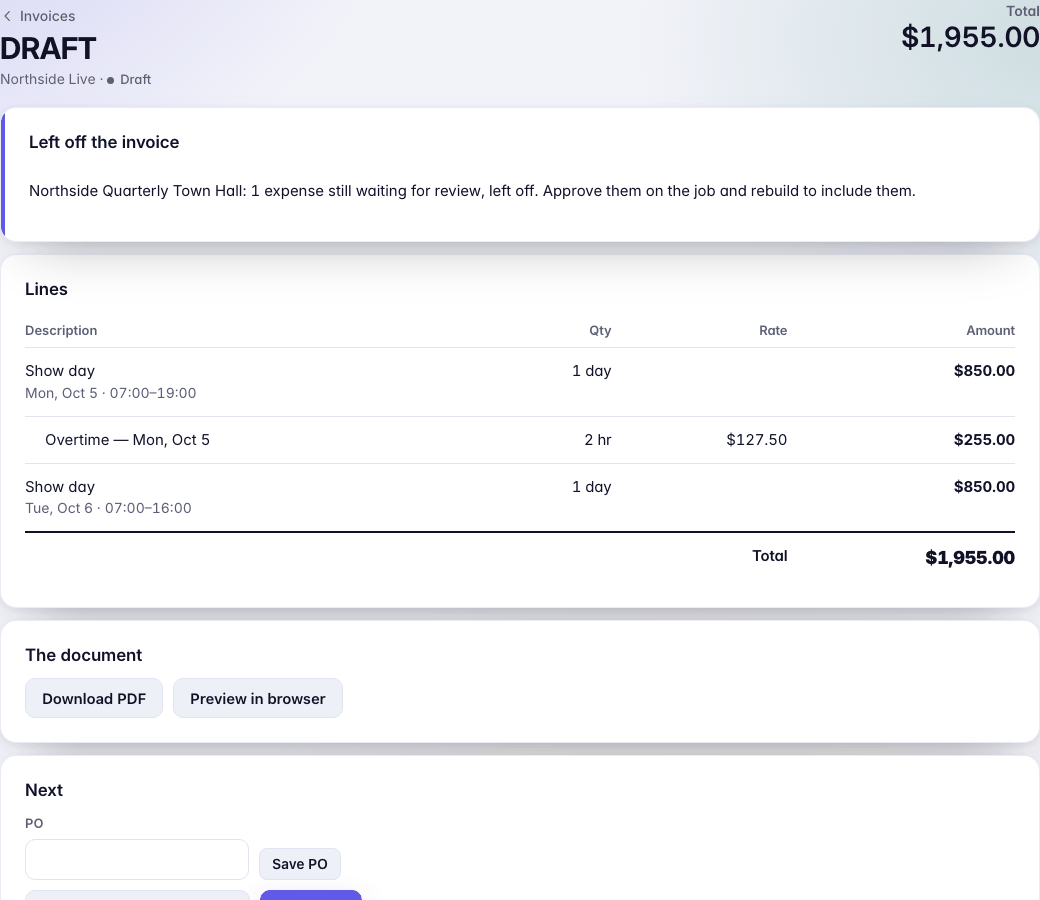
The draft has a line for each show day with its hours and one for any overtime, priced from the deal the job was booked on. An expense waiting for review is left off, and the draft says so.
On a draft: save a PO, Re-price from current time if the hours changed, Download PDF or Preview in browser, or Delete this draft.
Finalize
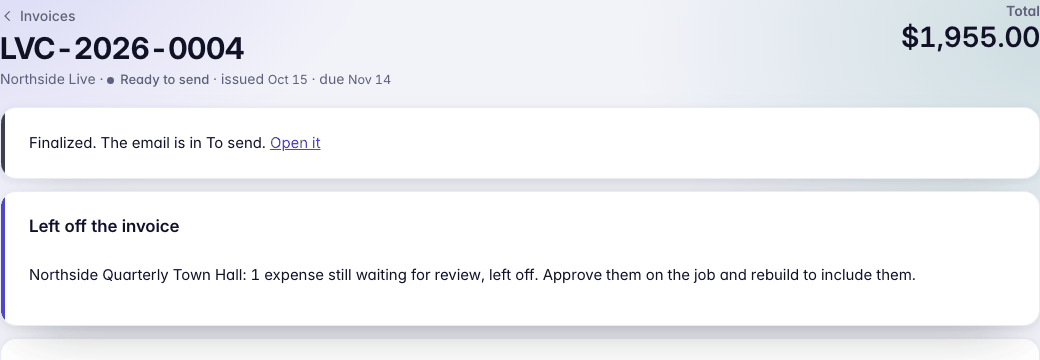
Finalize… asks once more, then gives the invoice its number and fixes it. From then on it can't change. It shows the date issued and the date due, from the client's terms.
Haven't said how clients pay you? The draft shows No way to pay on this invoice · Getting paid. You can still finalize; the invoice won't say how to pay.
Send
Finalizing writes the invoice email to the client's billing contact, with the PDF attached. It waits in To send like any reply; nothing goes until you press Approve and send. Sending marks the invoice sent and starts the clock on its terms.
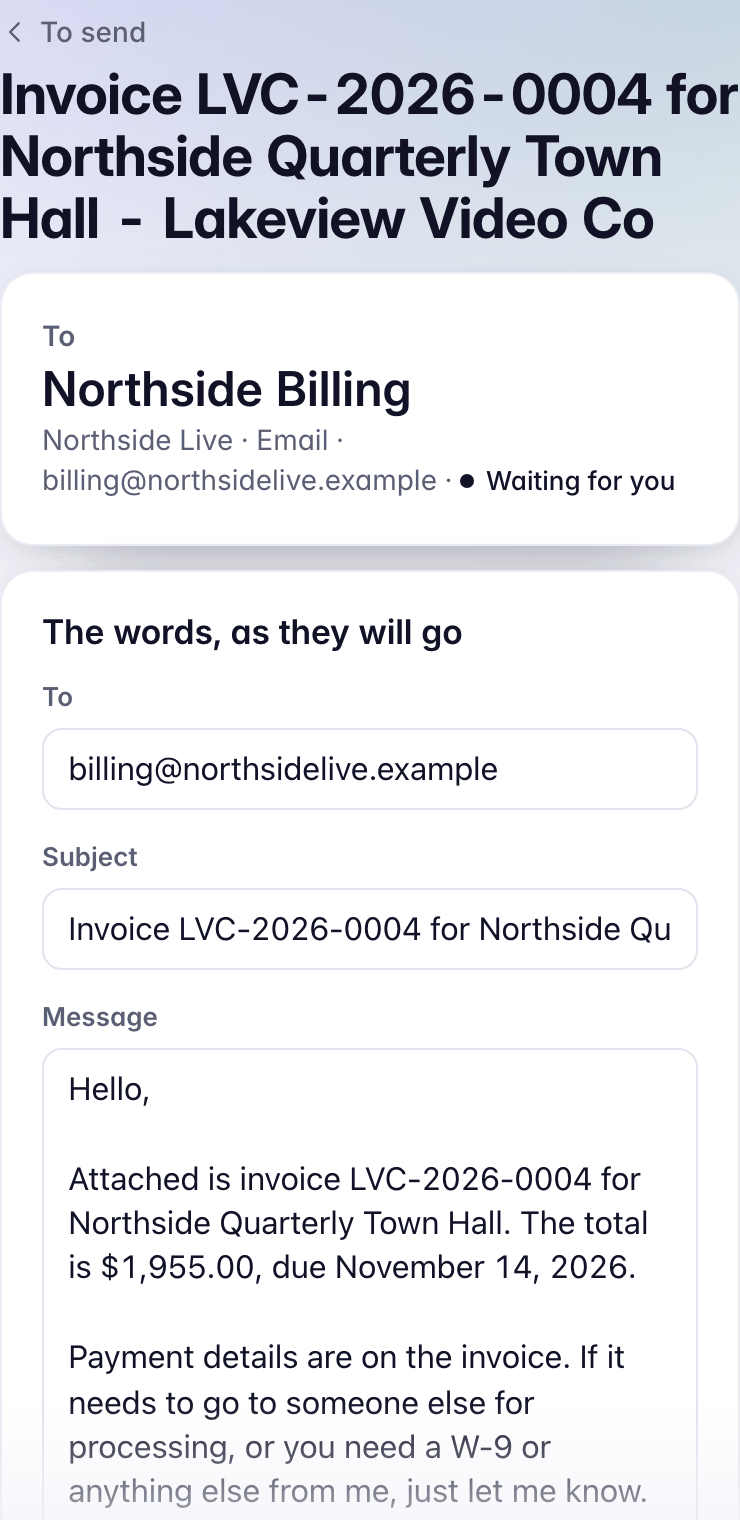
An invoice already out has Email a copy, which writes another email the same way.
Ways to pay
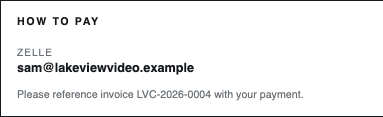
Settings › Getting paid holds how clients pay you: ACH (bank, account name, routing and account numbers), Zelle, and Check (who it's payable to and where to mail it), with a line of Notes. Each invoice prints the ones you've filled in, in its How to pay box.
Recording a payment
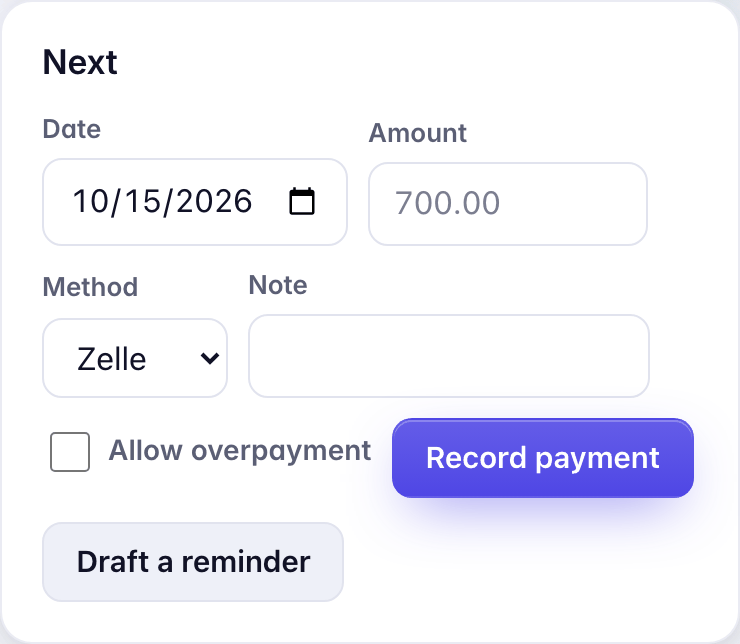
When money comes in, open the invoice. Under Next: the Date (today if you leave it), the Amount (what's owed if you leave it), the Method (Zelle, ACH, Check, Card, Cash or Other) and a Note. Press Record payment.
A part payment leaves the rest out and the invoice reads Part paid. Each payment sits under Payments on the invoice, with Edit and Remove (which asks why). Draft a reminder writes one to the client, with the invoice attached, into To send.
What Money shows
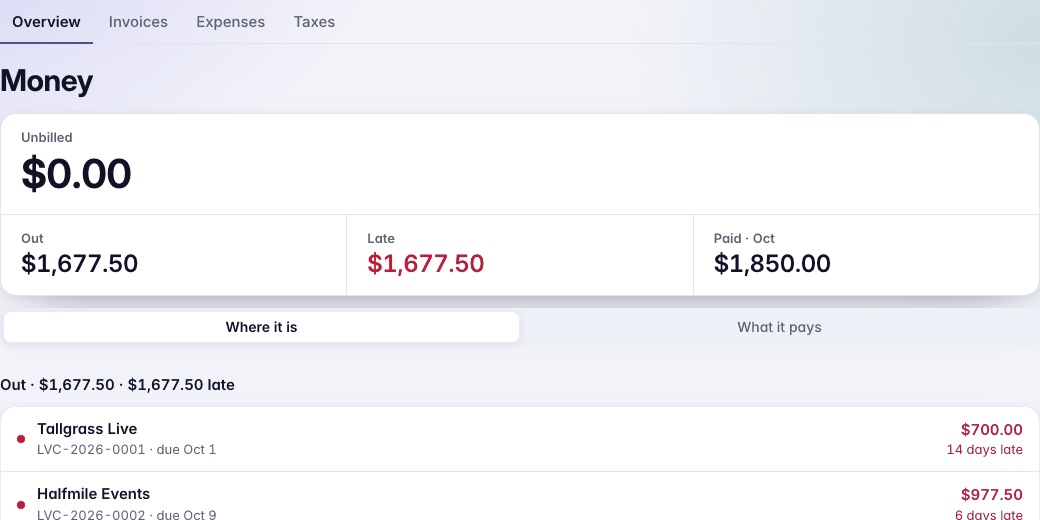
Money shows what's Unbilled, Out and Late, and what you've been paid this month. Then the jobs to bill, the invoices out with how late each is, the month's show days, and what you've collected this month and this year.
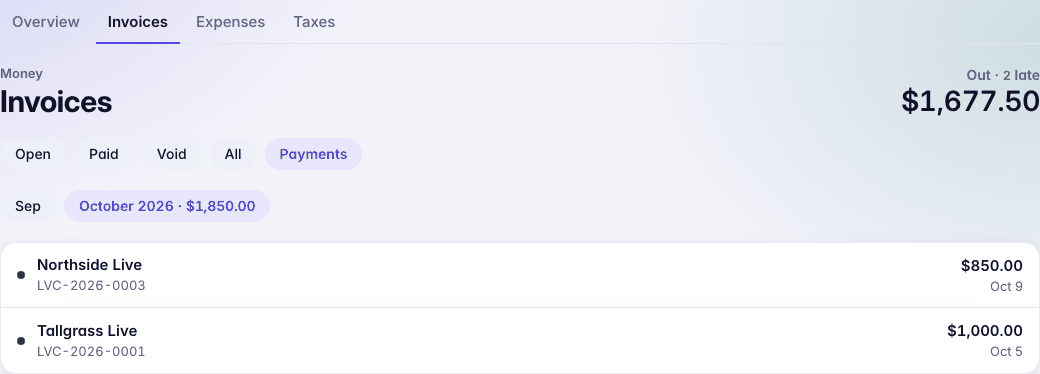
Money › Invoices › Payments lists every payment, by month.