Guide · 8 of 11
Expenses and taxes
Bill an expense to a client, count it at tax time, or both, and see what you'll owe in tax as the year goes.
Billable and deductible
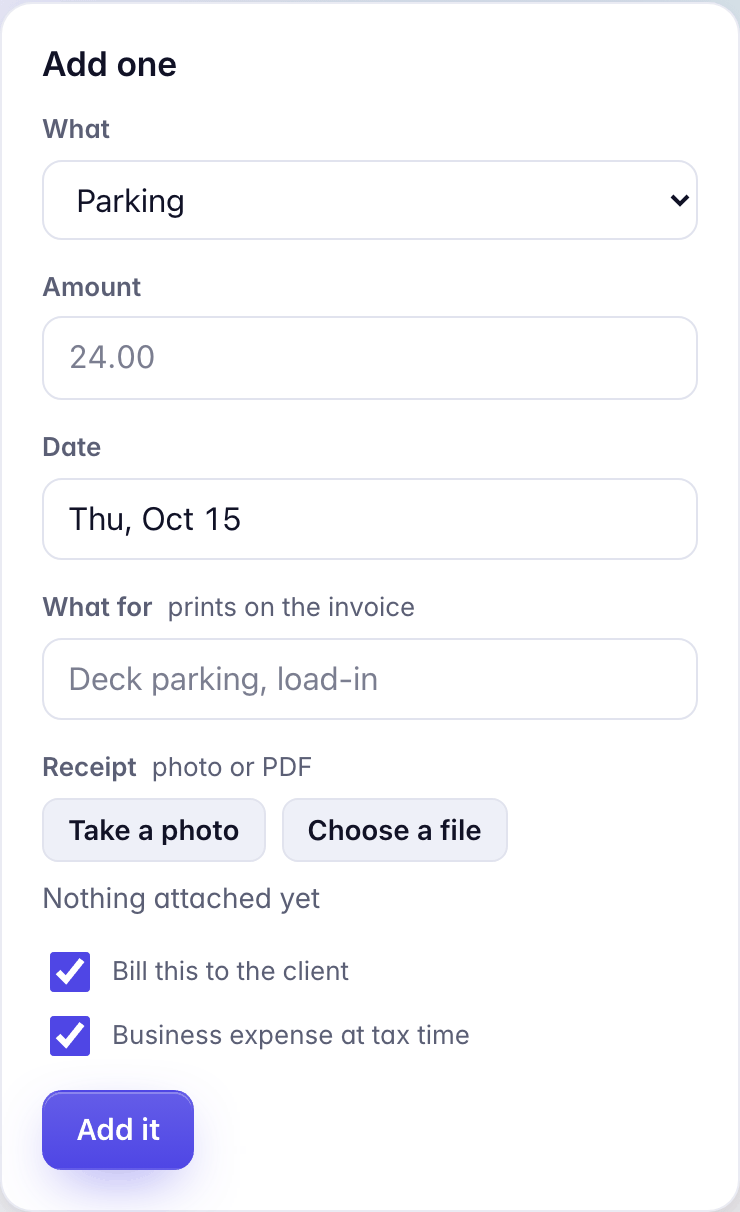
An expense on a job has two boxes. Bill this to the client puts it on the job's invoice; Business expense at tax time counts it in your deductions. Most are both. A meal you won't bill may be only the second.
A job's expenses are on the job, under Money, then Expenses. Add one takes what it was, the amount, the date, What for (it prints on the invoice) and the receipt: Take a photo or Choose a file.
An expense marked Needs review isn't on an invoice yet. Approve it on the job, then rebuild the draft.
General
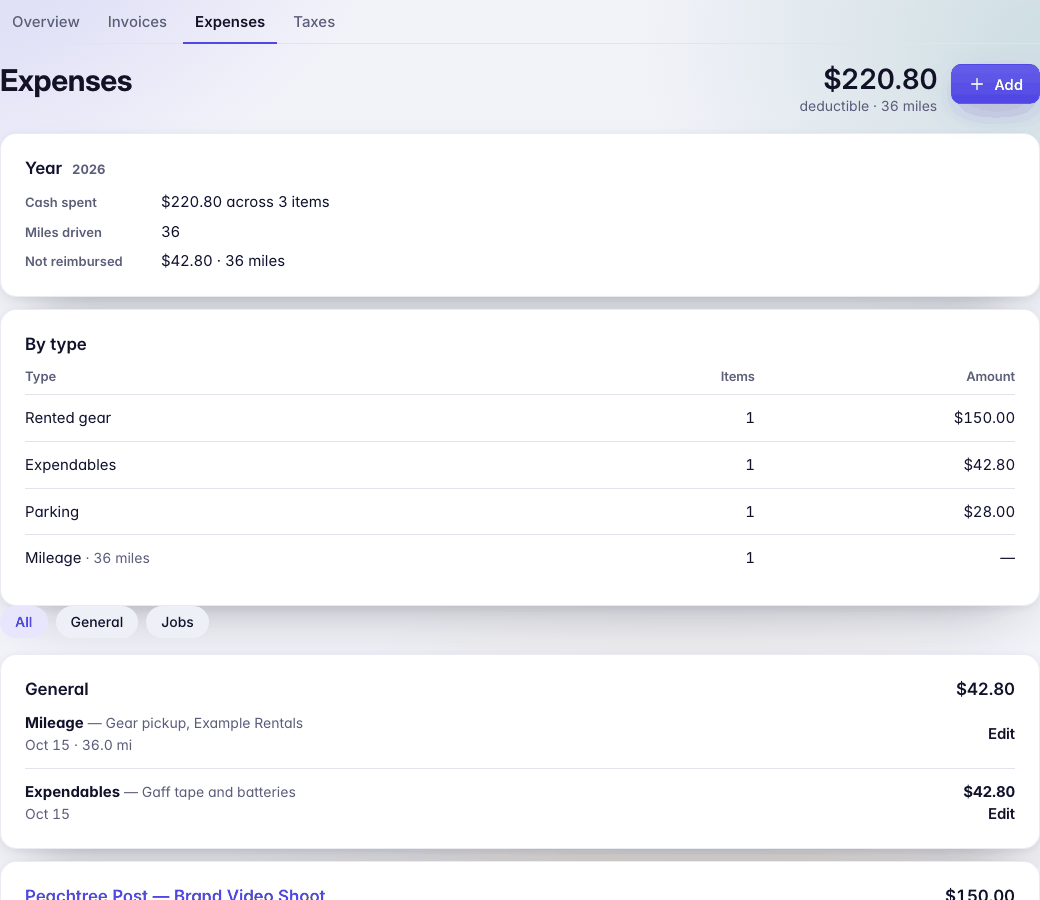
Expenses with no job go under General, on Money › Expenses: gear you bought, software, a ride on a day off. They're never billed to anyone and they count at tax time. A ride receipt on a day with no job lands here by itself (see Receipts and trips by mail).
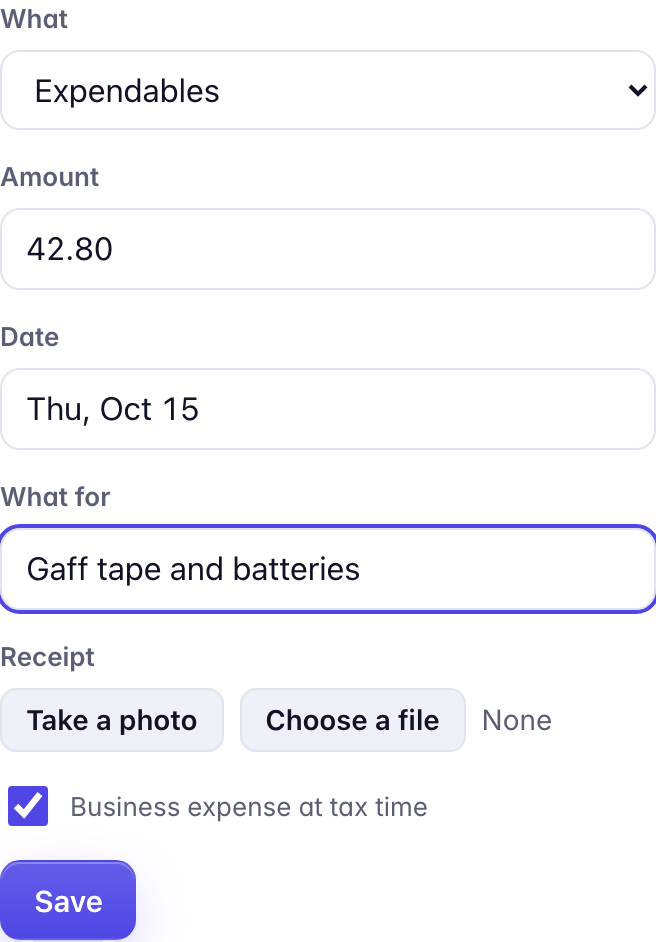
Add, on Money › Expenses, adds one: what it was, the amount, the date, what for, and the receipt. To move an expense onto a job, or back to General, open it with Edit and change Job.
Mileage
Choose Mileage and type the Miles, on a job or in General. Business miles count at tax time at the IRS rate for the year, which Money › Taxes shows. On a job whose deal bills mileage, the miles also go on the invoice at the deal's rate per mile.
Money › Taxes also lists Mileage to add: the drives to your jobs' venues that GigCue can estimate from your home, with Add and Not this job.
Per diem
Per diem comes from the deal: the GSA rate for the city, a flat amount, or none. On a job, the Per diem panel says how many days have none yet and adds them in one press. A job within 50 miles of home gets no per diem, whatever the deal says.

The estimate
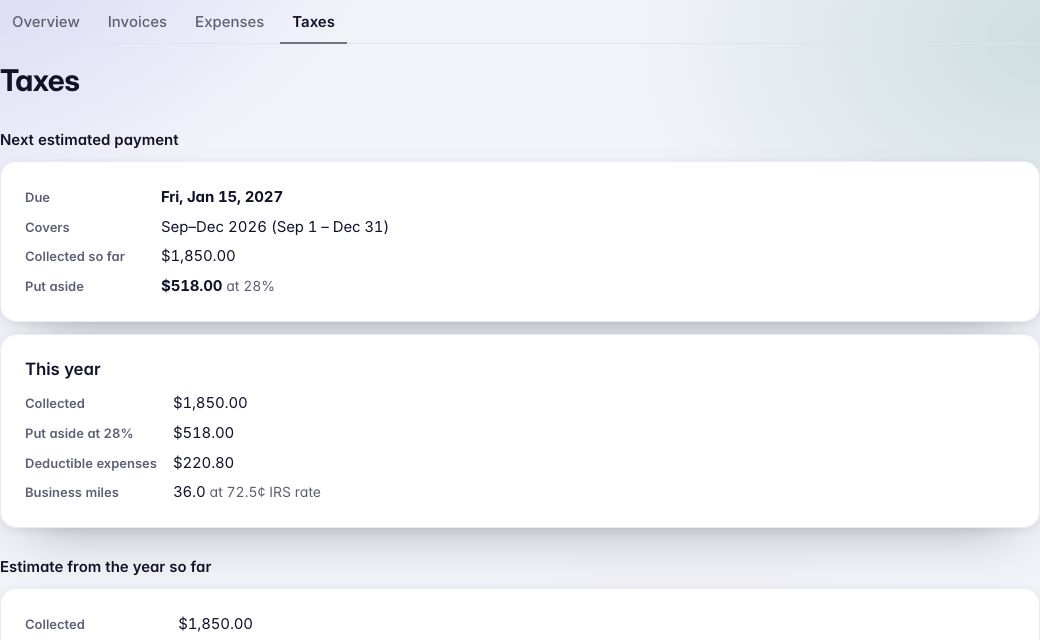
Money › Taxes starts with your Next estimated payment: when it's due, the months it covers, what you've collected, and what to put aside at your set-aside percentage. Below that, the year so far: collected, deductible expenses and business miles, then an estimate of self-employment, federal and state tax, and what each quarterly payment would be.
Set your Tax profile (home state and filing status) and Last year's tax on the same page, and log each estimated payment under Payments you made. It's an estimate: no credits, other income or other deductions. Your accountant has the last word.
The tax pack
At the foot of Money › Taxes, Download … tax pack gives your accountant one file for the year: every payment received, totals by client to check against each 1099-NEC, every deductible expense with a suggested Schedule C line, business miles, totals by line, your estimated payments, the days you worked in each state, and invoices and expenses ready to import into QuickBooks Online.
